We’re thrilled to announce a fresh new look for your Songbox pages, and it’s not just a facelift. You now have more power than ever to personalise and tailor the look & feel of your page to match your music and your brand.
Michael Coll··2 min read
When you’re sharing your work, it’s not enough to simply send files from A to B. Presentation matters. That’s what sets Songbox apart from tools like Dropbox or Google Drive. We help your music look as good as it sounds.
A Refined, More Customisable Design
Here’s what’s new:
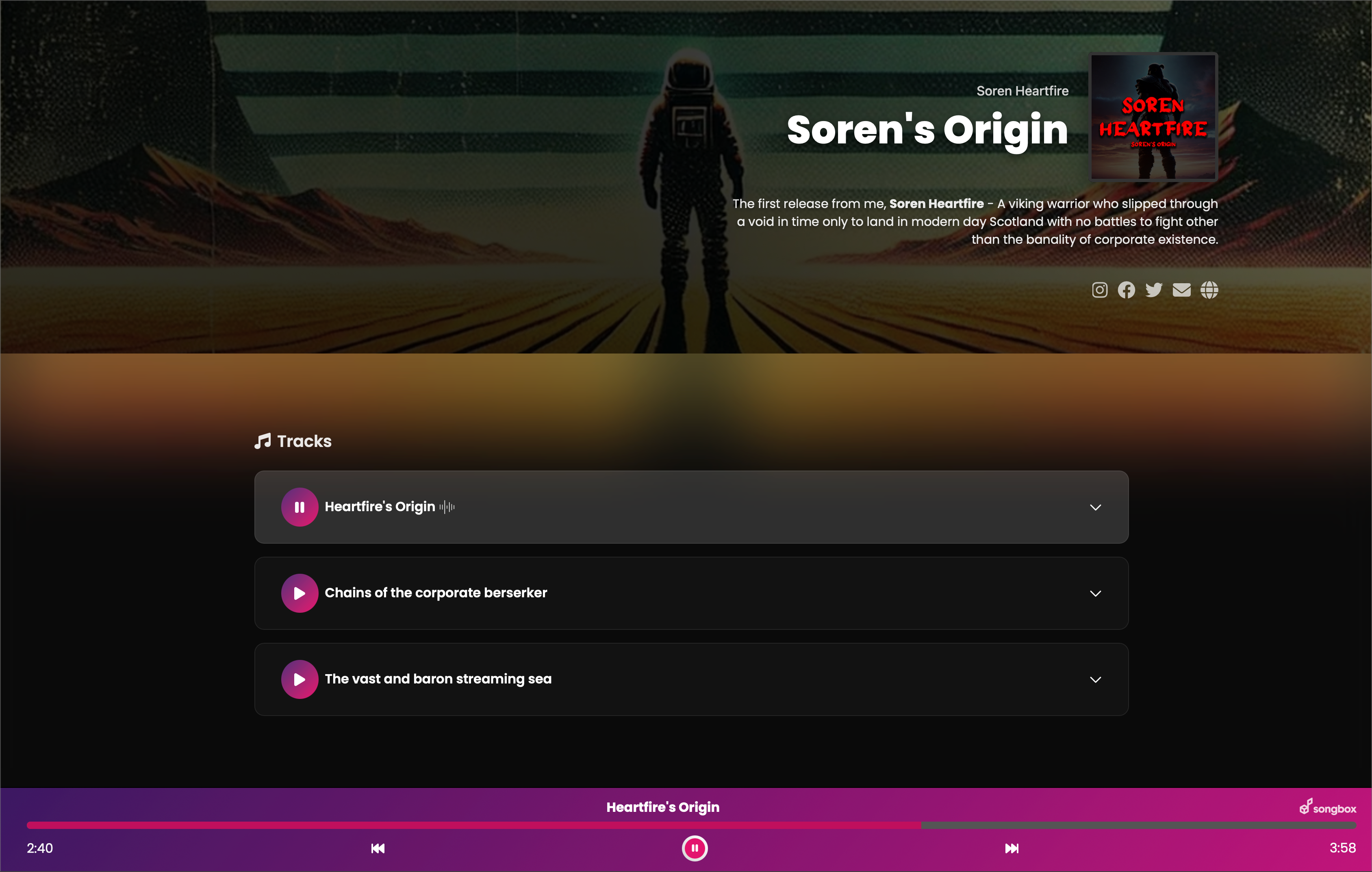
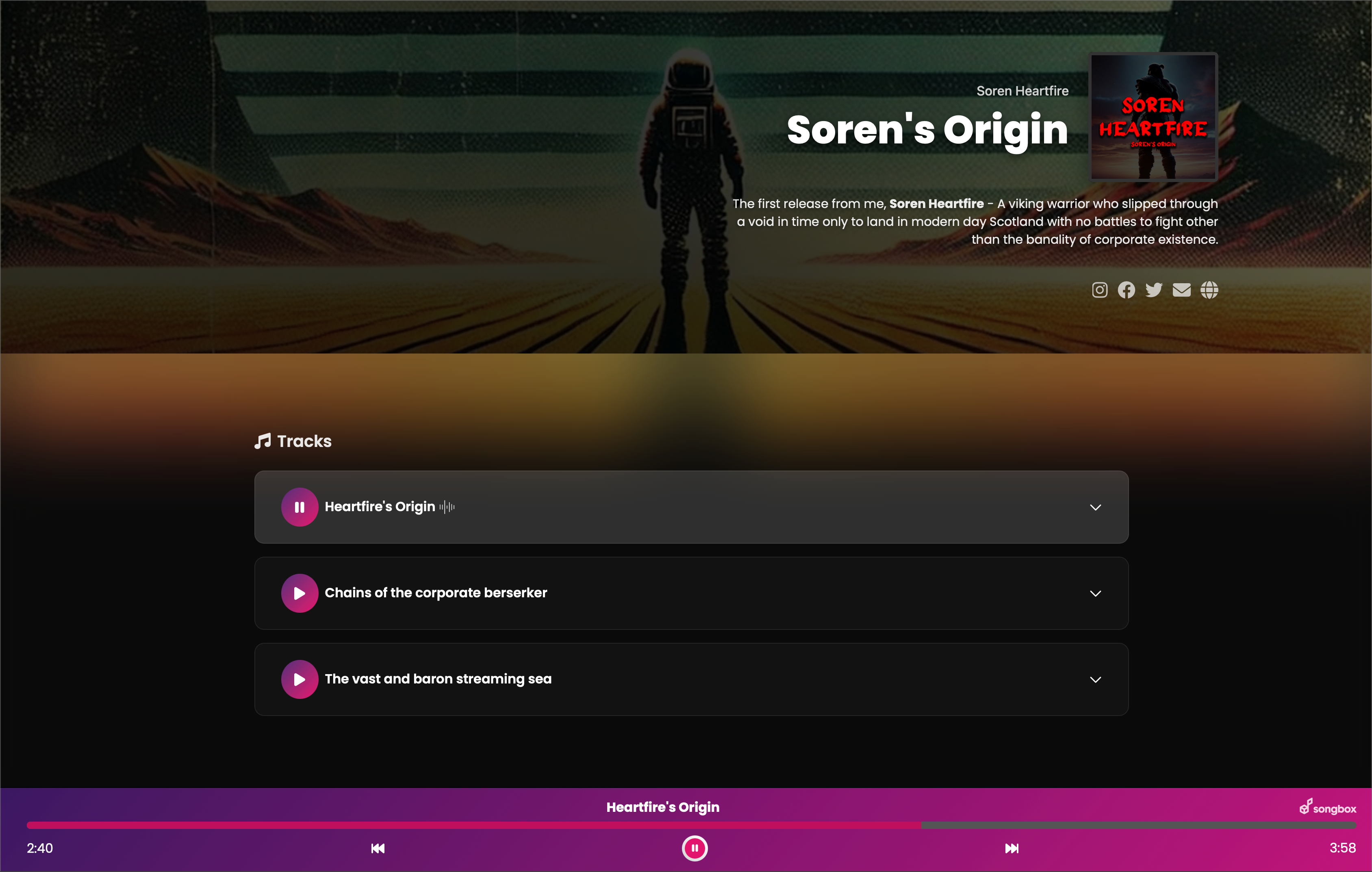
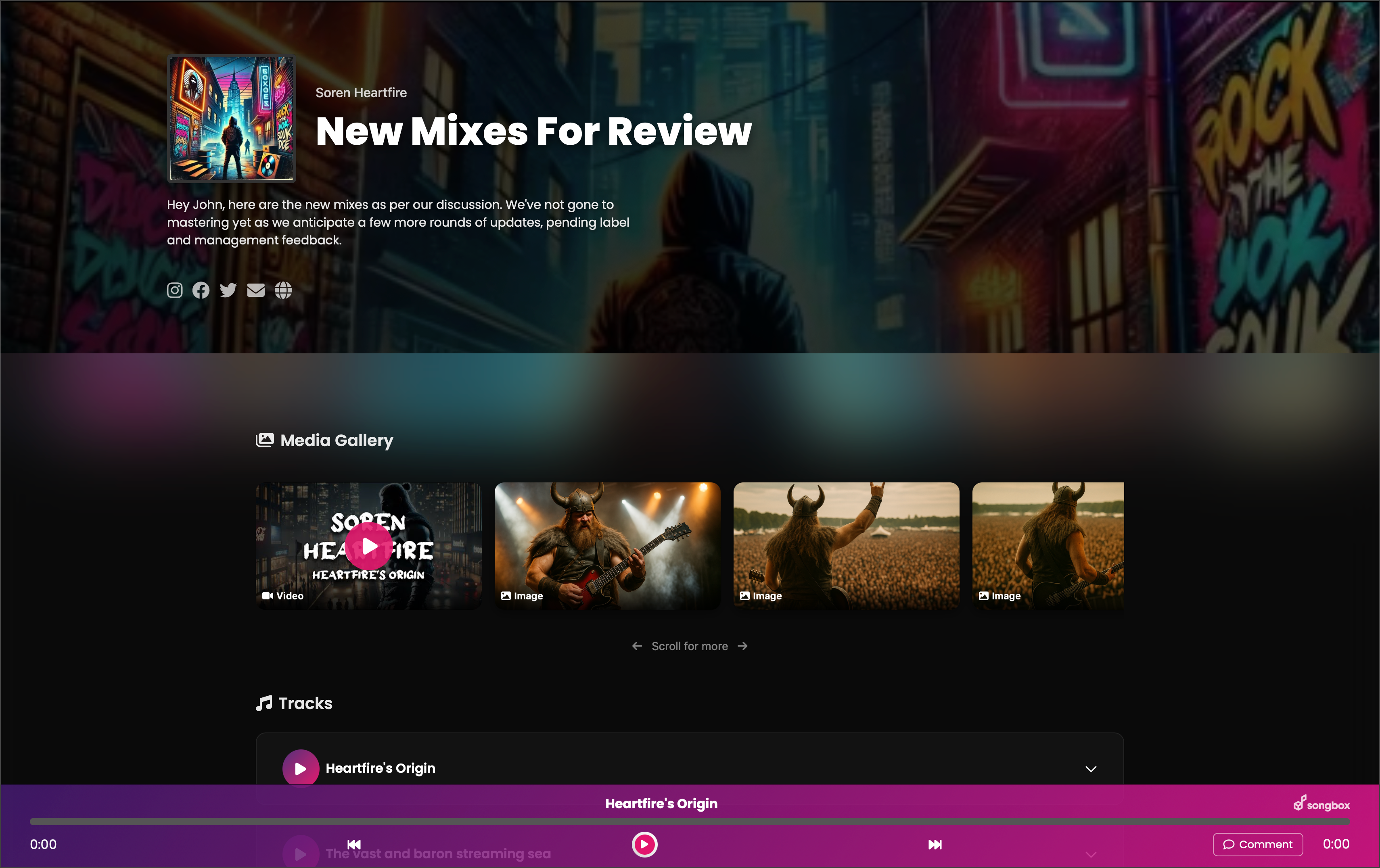
Banner Image – You can now add a banner to instantly set the tone and visual identity of your page.
Media Gallery Layout – The gallery has been refined to a consistent, clean layout that adapts beautifully on any screen size.
Alignment Options – You have full control: align your hero section left, centre, or right depending on your background and personal aesthetic.
And of course, if you prefer to keep things simple, you’re good to go. The default look is polished and professional straight out of the box.
Check Out The New Look
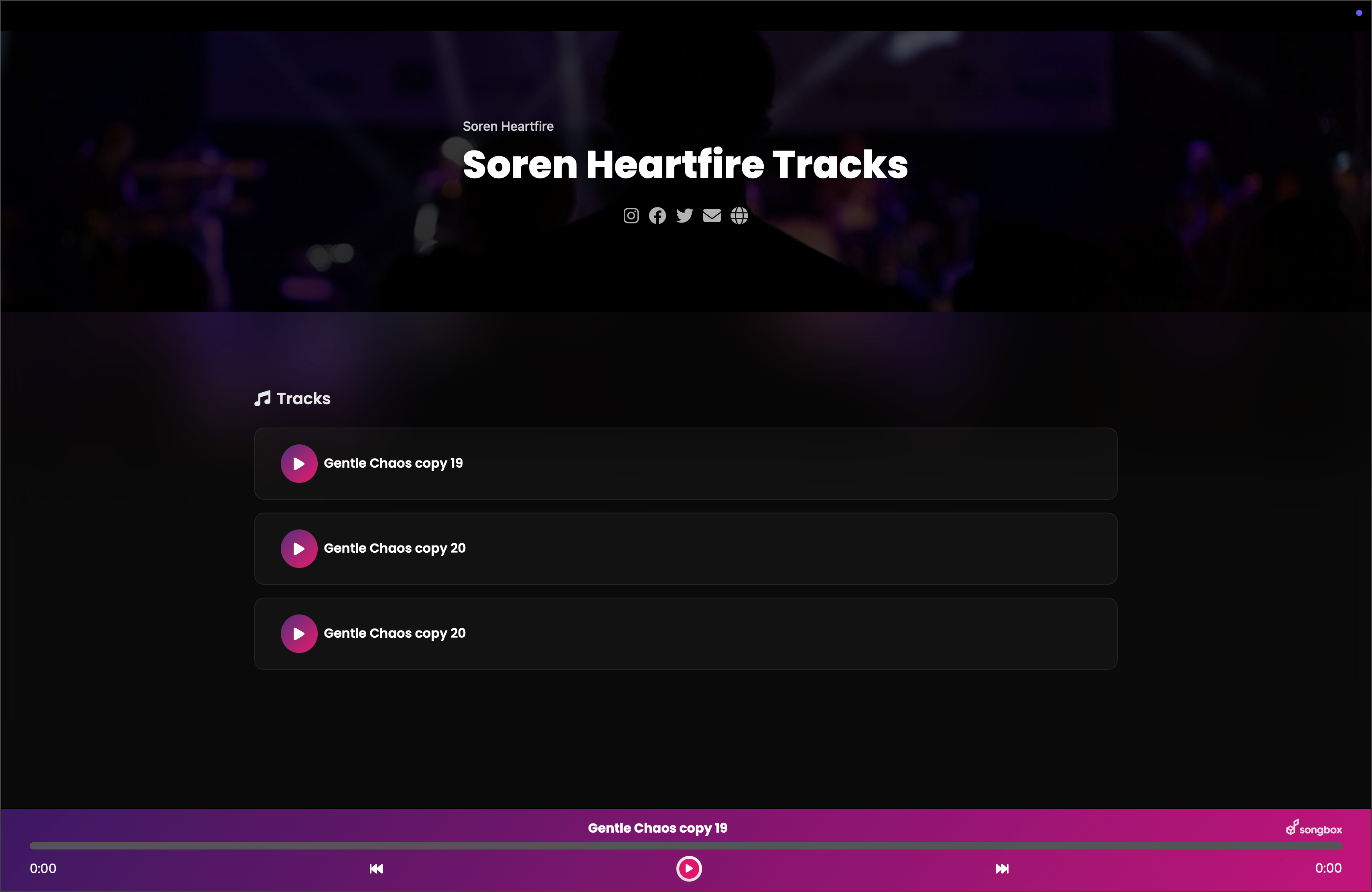
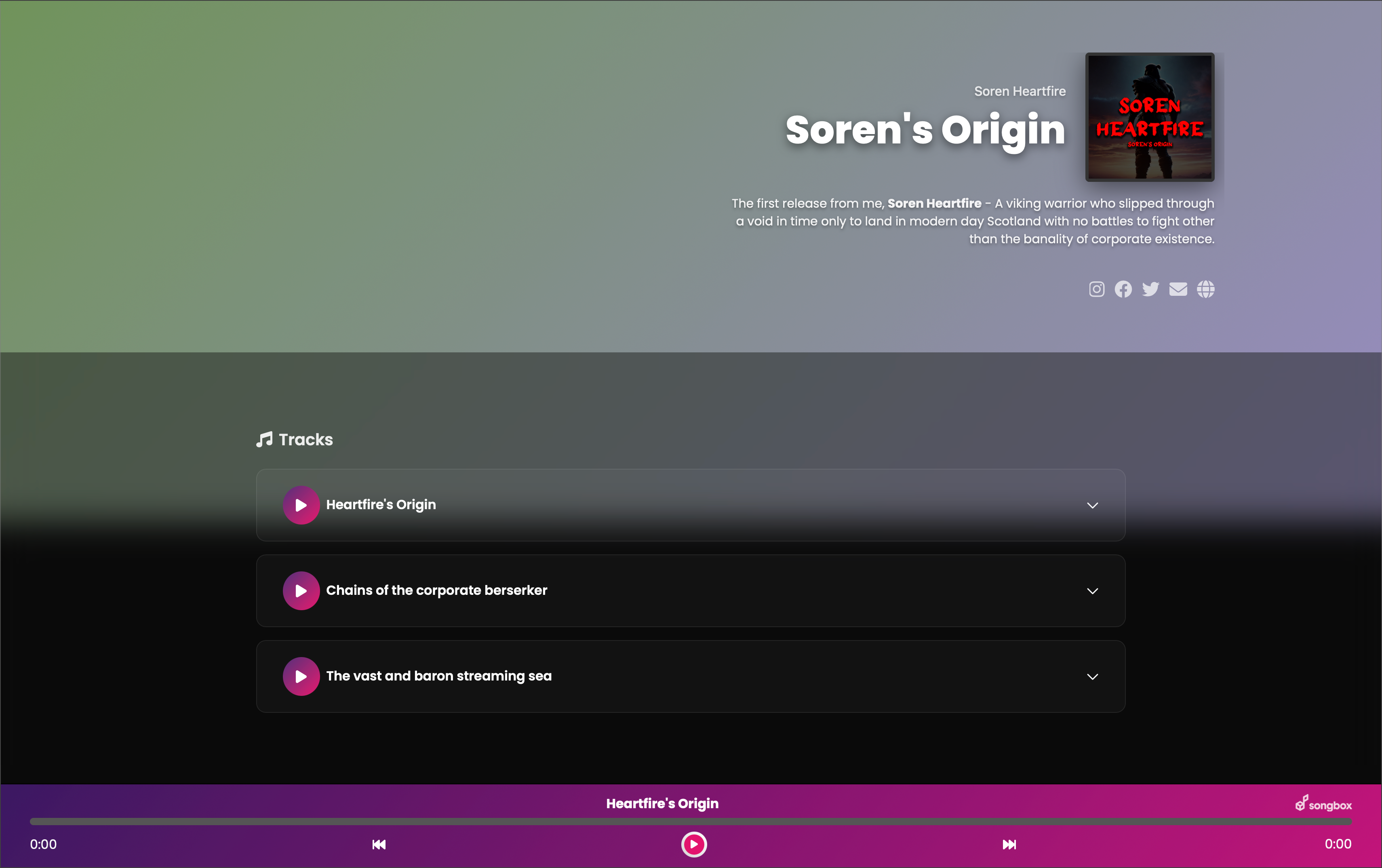
As always, the default look and feel is great, so you don't need to worry about adding banner images and playing with other settings if you don't want to. An example of a default Songbox with no modifications is below:
You can also just set a color gradient if you don't want to use a background image. It's totally up to you:
How Do I Customize?
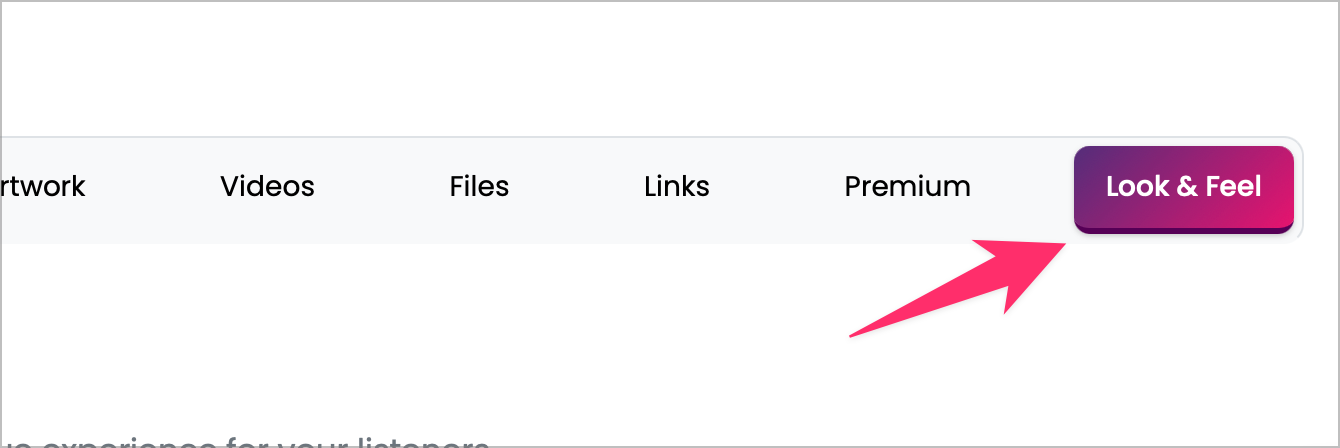
On your Songbox settings page you'll see a new tab called "Look and Feel". All the options you need to make your page your own are in there, and its super easy to get going:
We hope you love creating your new look as much as we enjoyed building it. Thanks for being part of the Songbox journey.